 01 · Codex skin
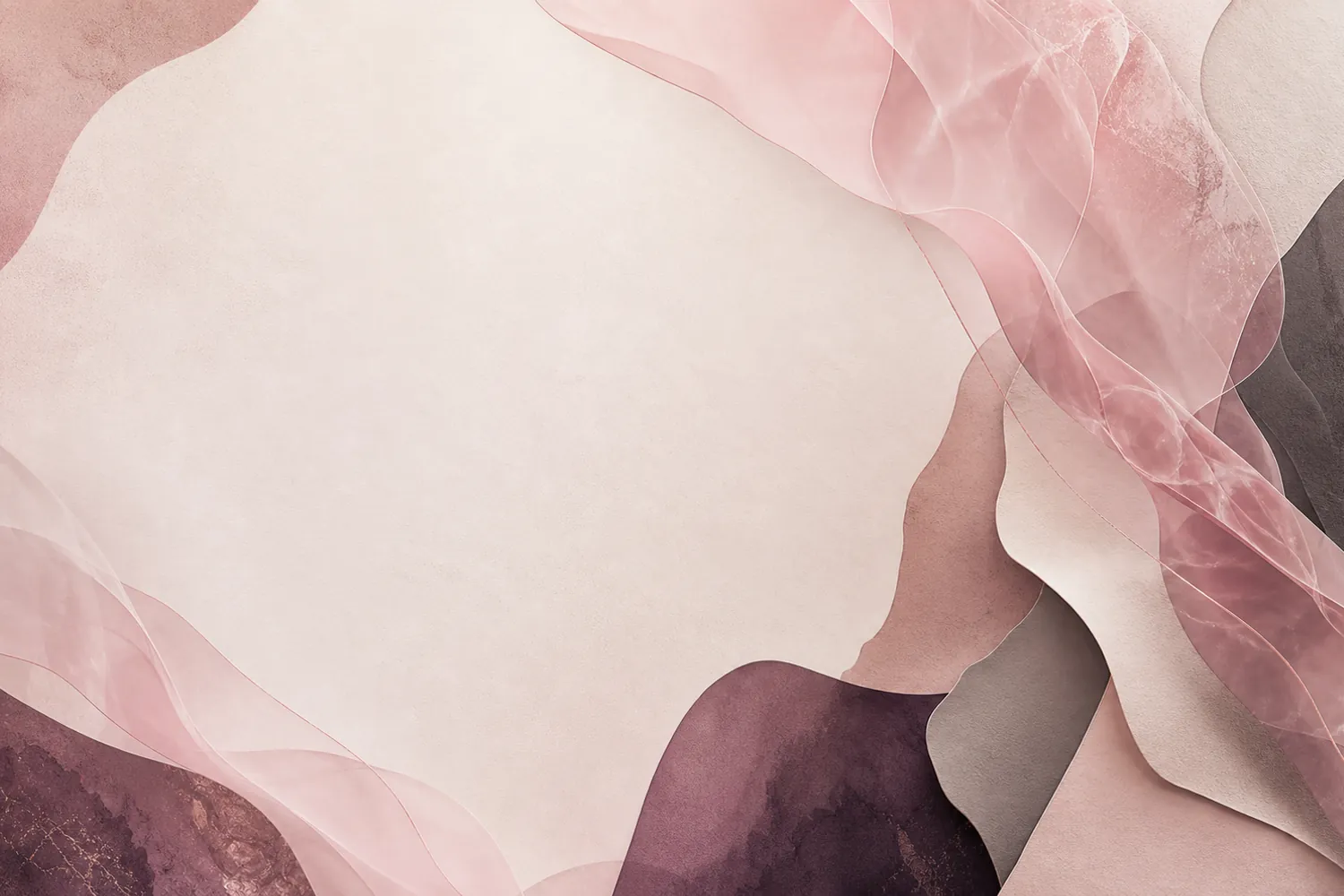
Rose Atelier
Blush paper layers and rose quartz ribbons around a calm reading space.
Use this directionOriginal Codex skins · local themes · no sign-up
Explore original Codex skin directions, learn how a readable local theme works, then make your own when you are ready. No artwork is uploaded.

Graphite Terminal · live concept
A calmer place to build.Native controls stay visible. The background sets the mood.Featured starter scenes
Explore original abstract backgrounds built around readable sidebars and content panels, then tune the crop, colors, and contrast in the builder.
01 · Codex skinBlush paper layers and rose quartz ribbons around a calm reading space.
Use this direction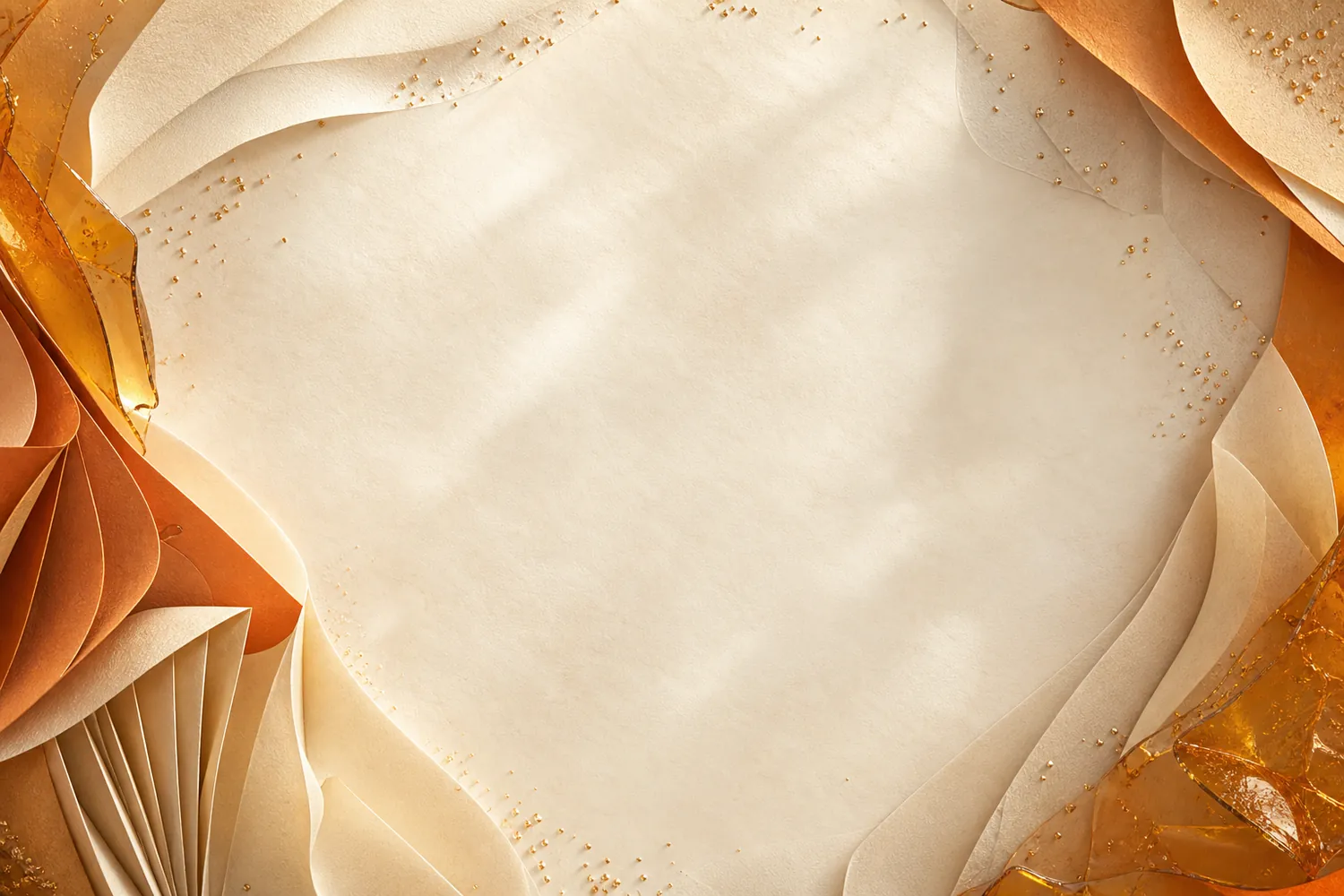 02 · Codex skin
Warm ivory, amber glass, and folded paper for a sunny, focused workspace.
Use this direction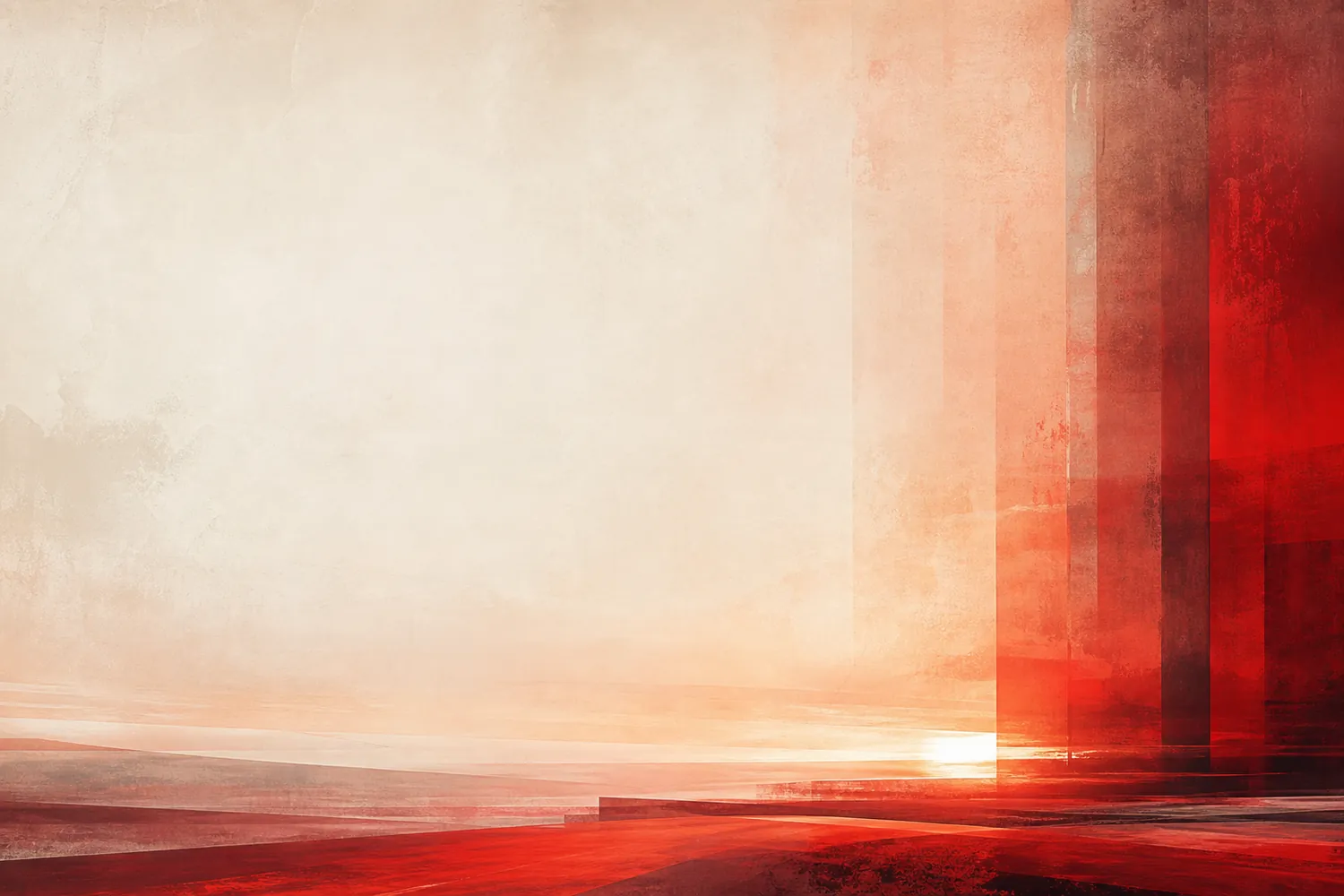 03 · Codex skin
A vermilion and warm-white color field with a clean, high-energy reading column.
Use this direction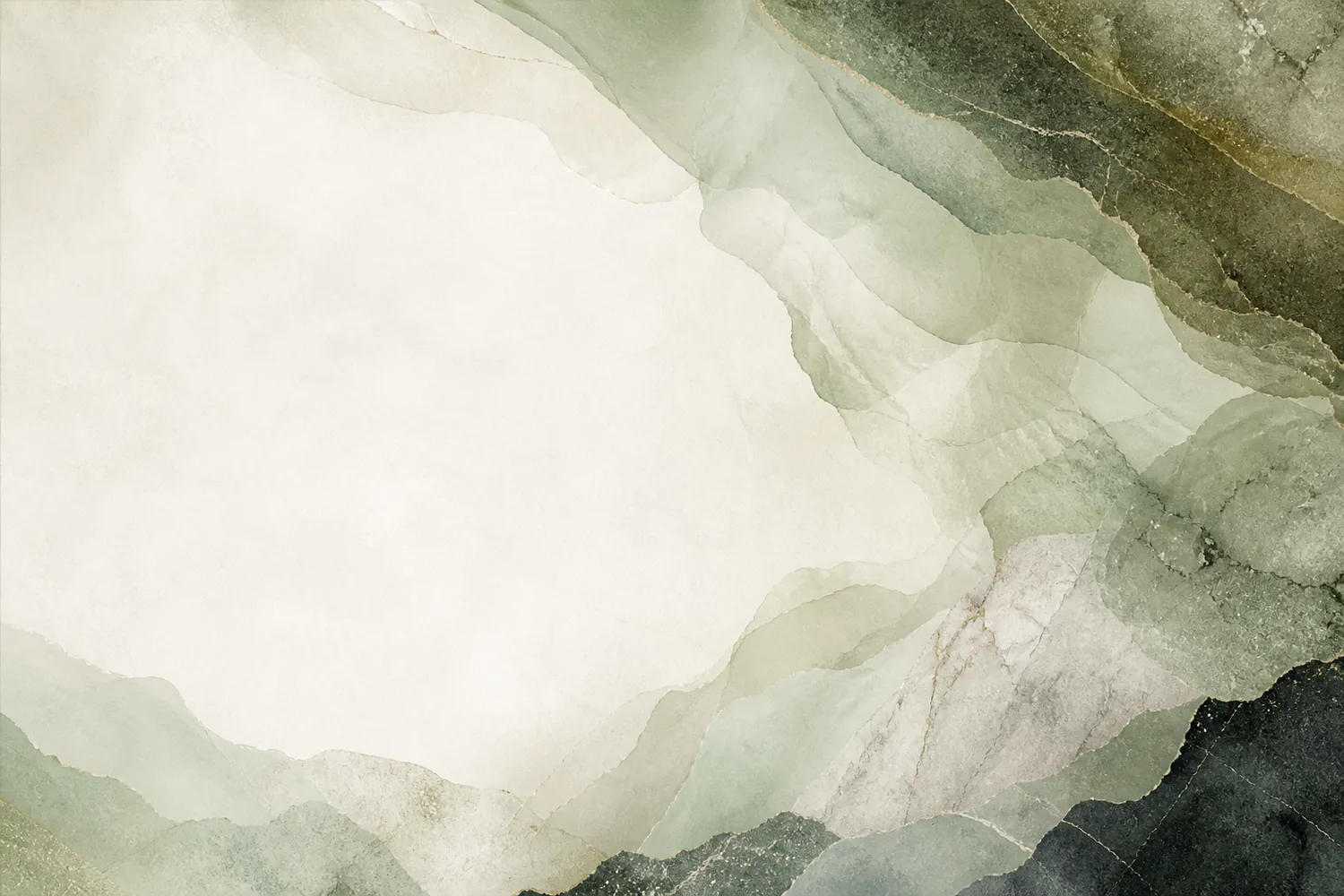 04 · Codex skin
Muted sage vellum and mineral layers that keep the workspace grounded.
Use this direction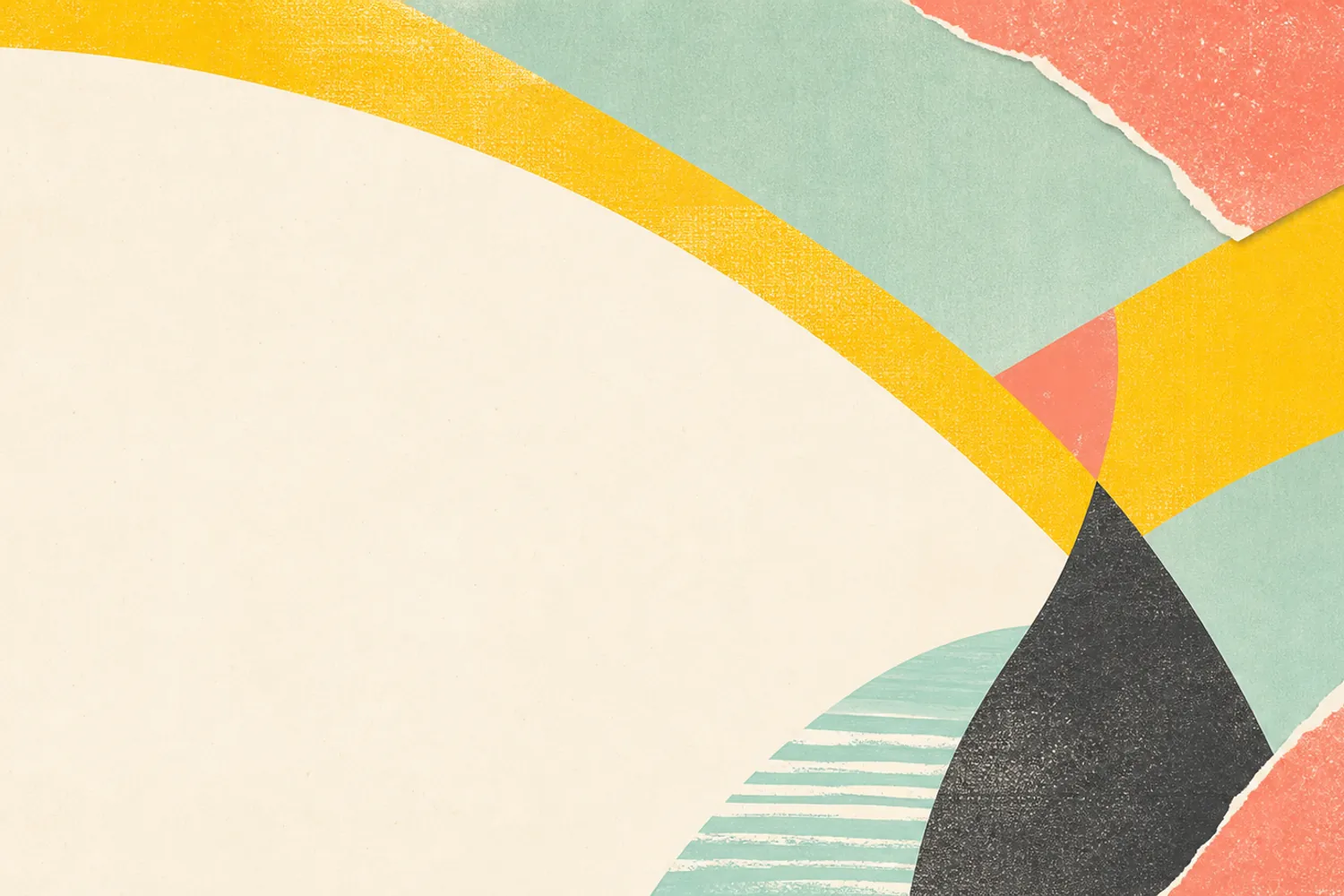 05 · Codex skin
Sunlit yellow, mint, and coral paper shapes for an energetic creative desk.
Use this direction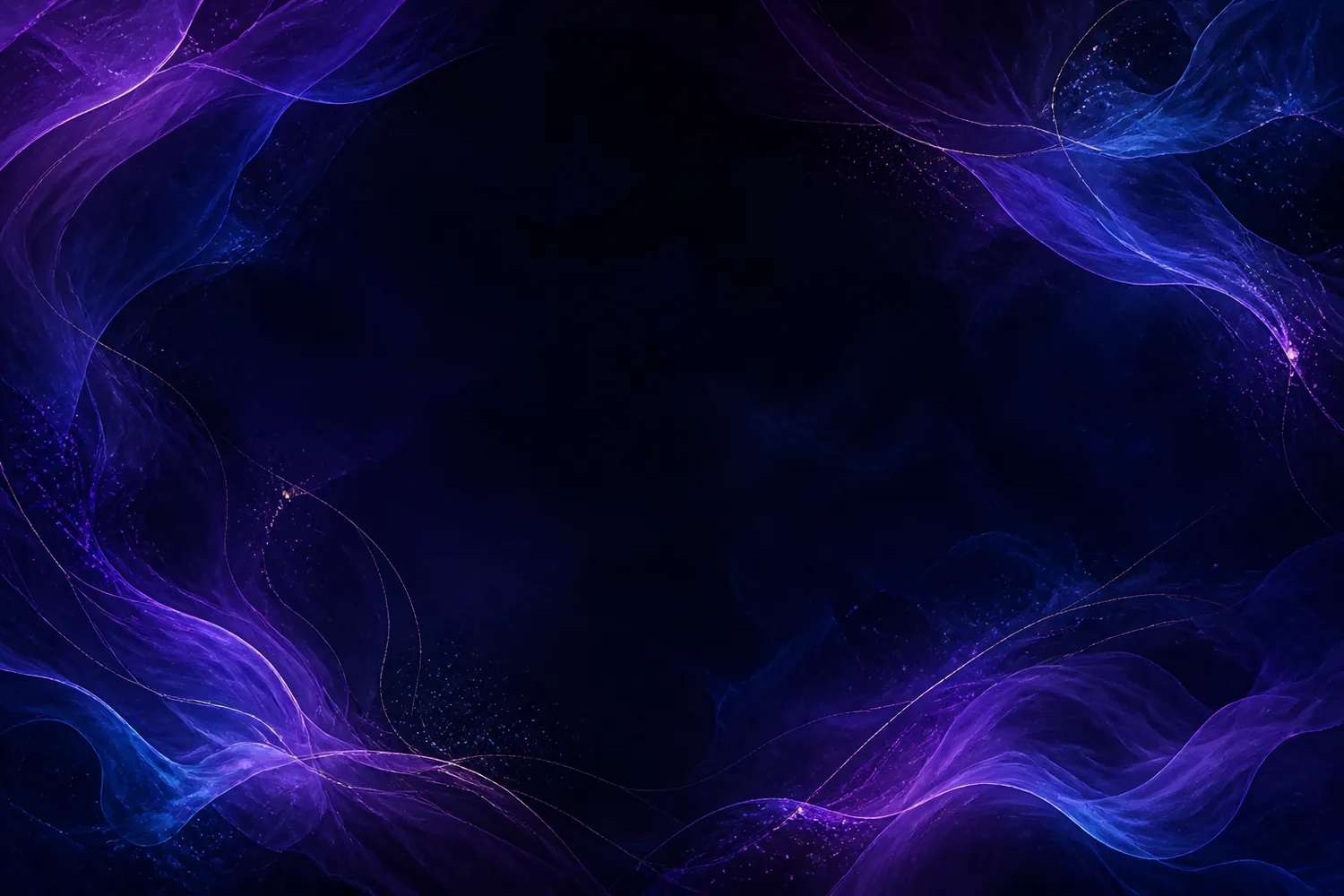 06 · Codex skin
Lavender and electric-blue translucent layers framing a luminous dark workspace.
Use this directionFour deliberate steps
A good skin is not just a striking background. It needs a calm reading area, tested contrast, an understandable package, and a restore plan.
Use your own image or artwork you are licensed to use. Wide images around 2000 pixels or more give the builder room to crop.
Move the focal point away from the sidebar and reading column, then adjust dimming, blur, and panel opacity.
Check a quiet home state, an active task, and dense code changes. Passing one screen is not enough.
Inspect the manifest, images, tokens, and hashes. Use a reviewed local engine and practice its verification and restore path.
Information, not hype
Most theme screenshots show only the final mood. This builder helps you make decisions that survive real work.
The same crop controls drive the live workspace and the packaged WebP background.
Text and accent colors are checked against WCAG ratios before you download anything.
The recipe separates its manifest, theme settings, background, preview, license note, and SHA-256 checksums.
The site does not claim that a browser ZIP can safely install itself into the official Codex desktop app.
Installation reality
Codex Skin Maker prepares the visual recipe. The upstream Dream Skin project owns local launch, injection, verification, and recovery behavior.
Use the copied colors as a reference for supported appearance settings. Background images require a separate skin engine.
The upstream macOS flow supports user-image customization, installation to a stable user path, verification, and restore.
The upstream Windows flow installs, launches, verifies, repairs, and restores a decorative skin without modifying WindowsApps.
Privacy by construction
File selection, decoding, crop preview, color checks, WebP rendering, PNG preview, hashing, and ZIP creation happen locally in your browser.
The site can still load normal page analytics when configured, but the selected artwork is not sent to our server for building or export.
The important questions about privacy, installation, compatibility, artwork rights, exports, and the unofficial Dream Skin workflow.
A Codex skin is an unofficial visual layer for the Codex desktop app. In the Dream Skin approach, a local engine launches Codex with a loopback debugging session and applies CSS and decorative elements while native controls remain interactive.
No. The selected image is decoded, previewed, cropped, encoded, hashed, and packaged in your browser. It is not uploaded to our server for these operations.
No. The ZIP is a reviewable data package, not an executable installer. Use a Dream Skin engine you trust, and follow its platform-specific install, verify, and restore documentation.
The website does not modify Codex. The referenced open-source Dream Skin project says its approach avoids editing the official app bundle, app.asar, WindowsApps, or code signature and instead uses local CDP injection.
The builder accepts JPEG, PNG, WebP, and AVIF up to 20 MB when your browser can decode them. PNG, JPEG, or WebP are the safest fallback choices for broad browser support.
A theme can look good in a screenshot and still make task text, controls, or diffs hard to read. The builder checks normal text against 4.5:1 and accent controls against 3:1.
The recipe structure is reusable, but you need rights to the background image, people, characters, logos, and brands you include. Personal use does not automatically grant redistribution rights.
No. Codex Skin Maker is independent and unofficial. OpenAI and Codex names and trademarks belong to their respective owners.
Start with one image
Build a readable Codex skin, inspect the recipe, and keep a restore path before you apply it.
Open Codex Skin Maker